

lmgw, short for local model gateway, runs models in Podman containers on your graphics card. llama.cpp handles text, audio.cpp handles speech and stable-diffusion.cpp handles images. Each container starts when a request needs it and shares the card under VRAM-aware scheduling.
Clients reach every model through one local port that speaks both the OpenAI and the Anthropic API, so tools and SDKs built for those services only need a new base URL. Cloud providers (OpenAI-compatible, Anthropic, Gemini) plug in behind the same aliases. Moving an alias from a local model to a cloud one goes unnoticed by the client, and while the GPU is on hold, requests can fall back to the cloud.
It all runs from the system tray. The dashboard opens in its own window and works from a browser too.
Screenshots
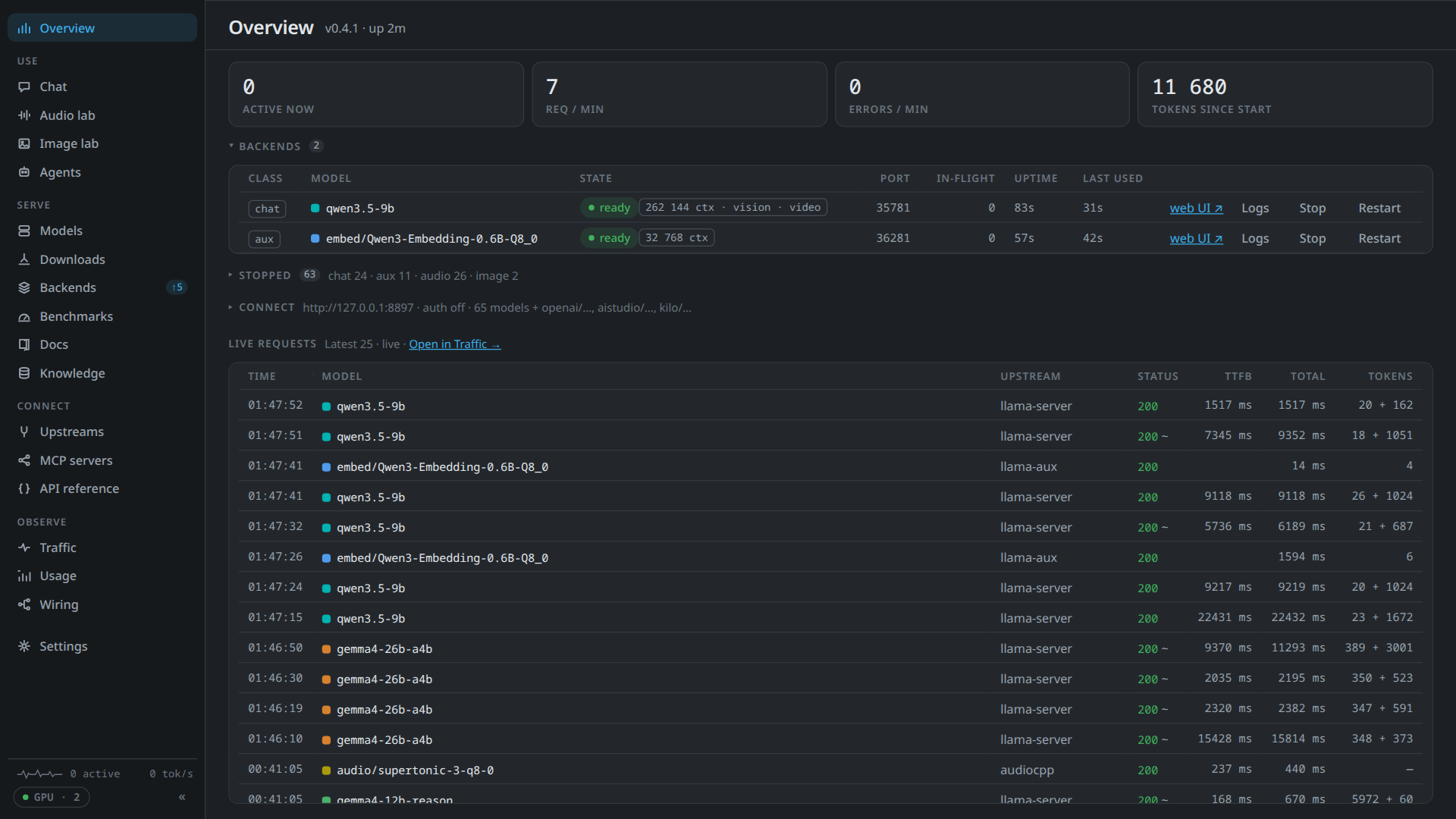
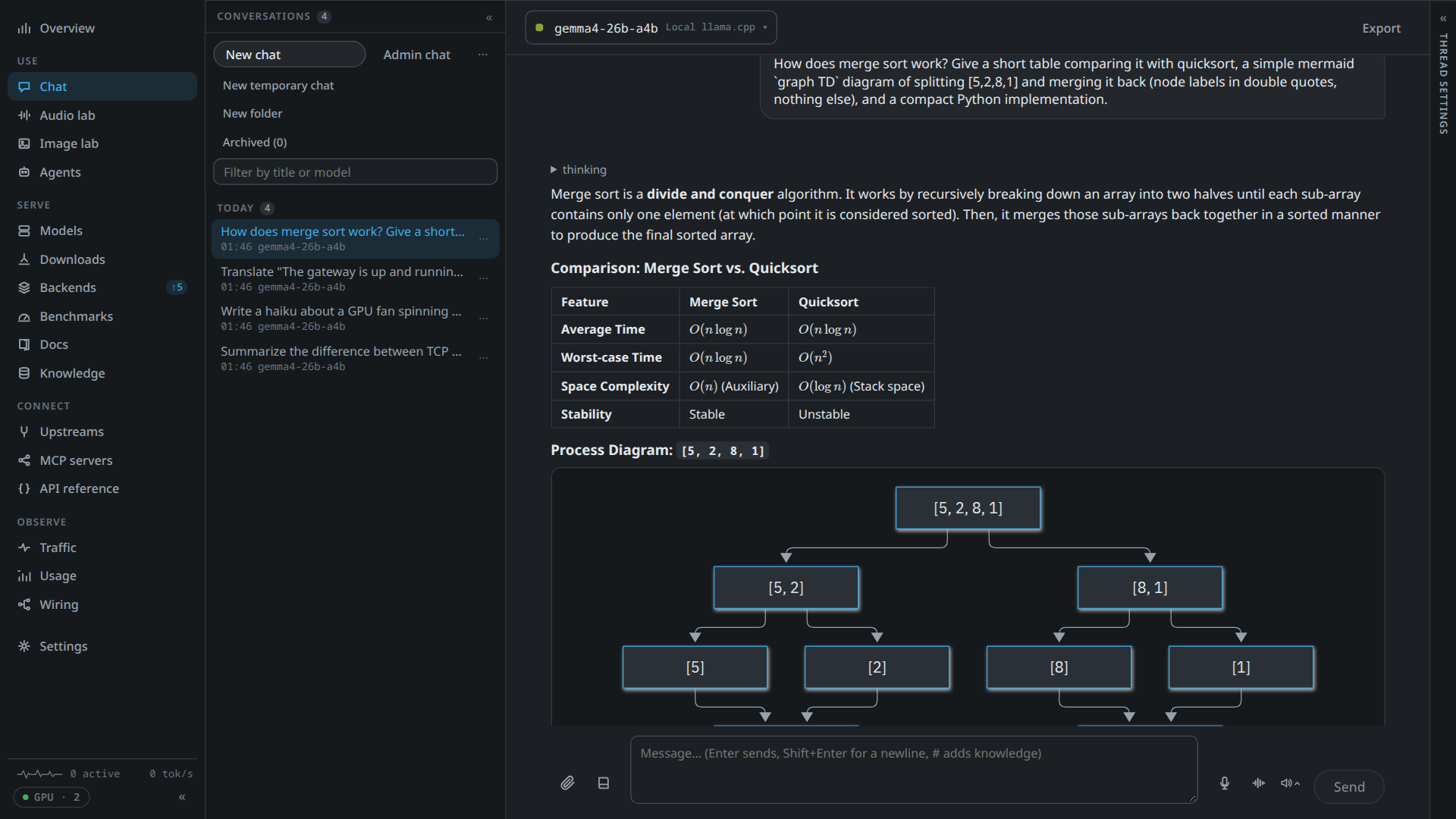
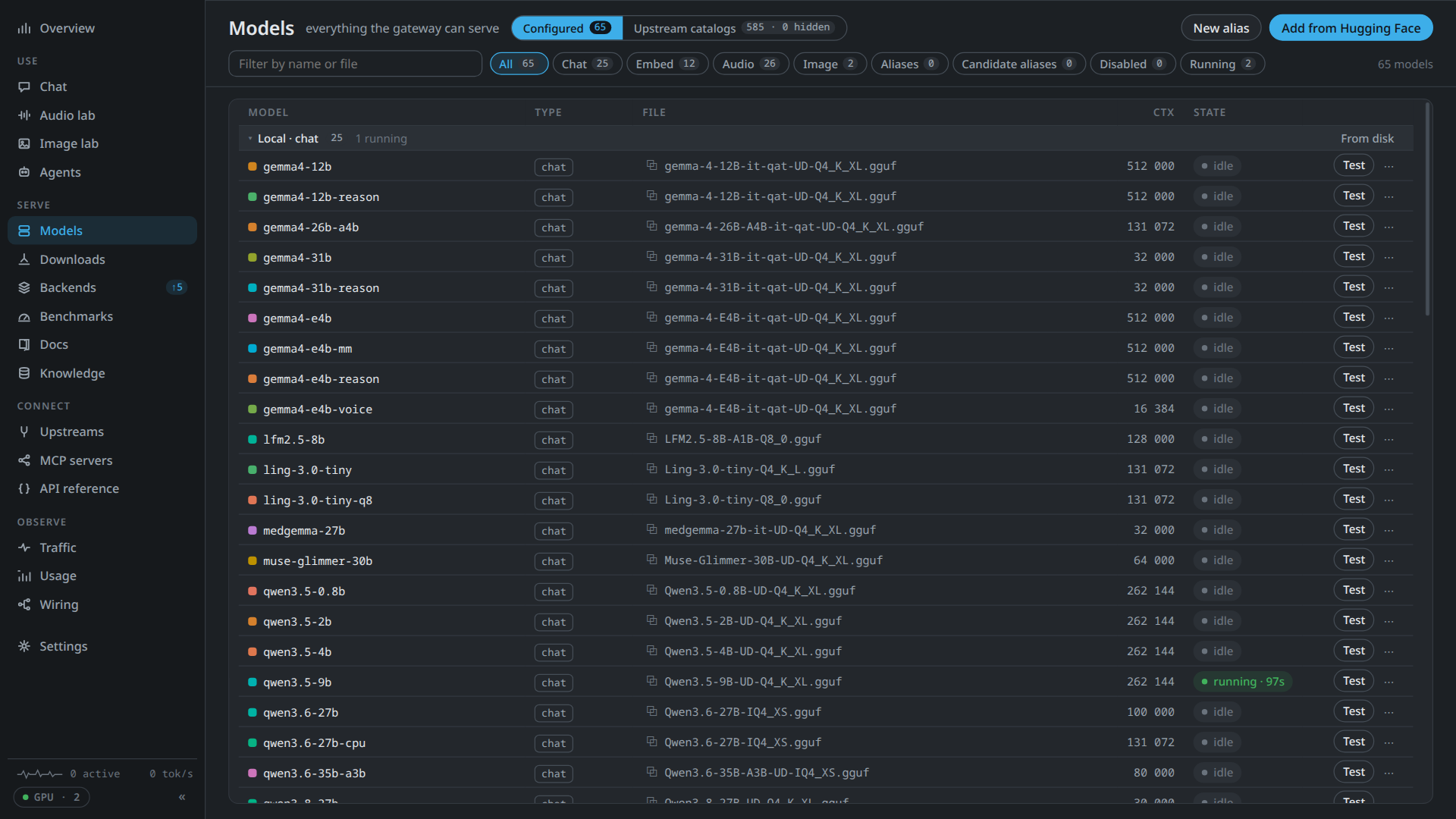
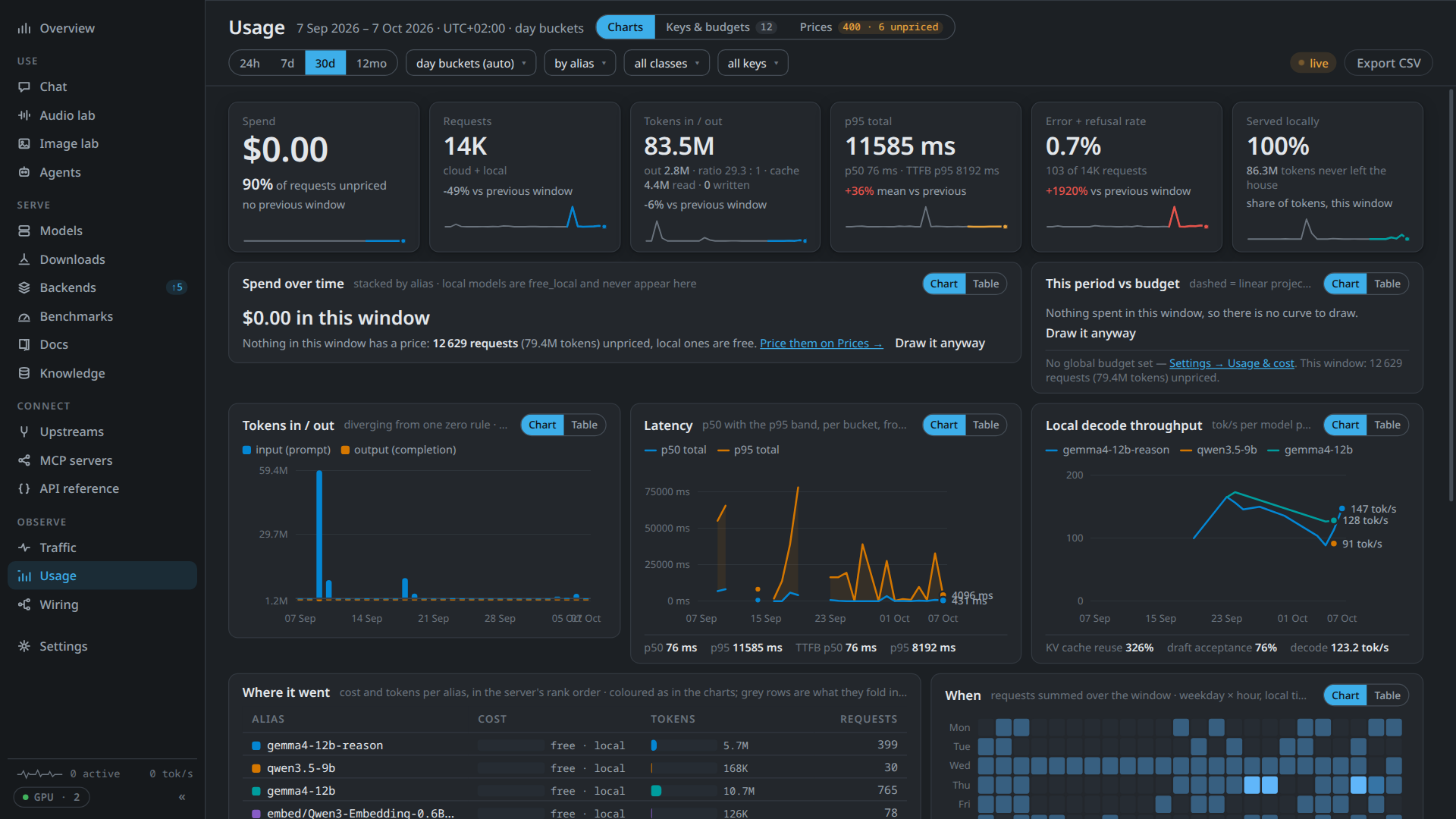
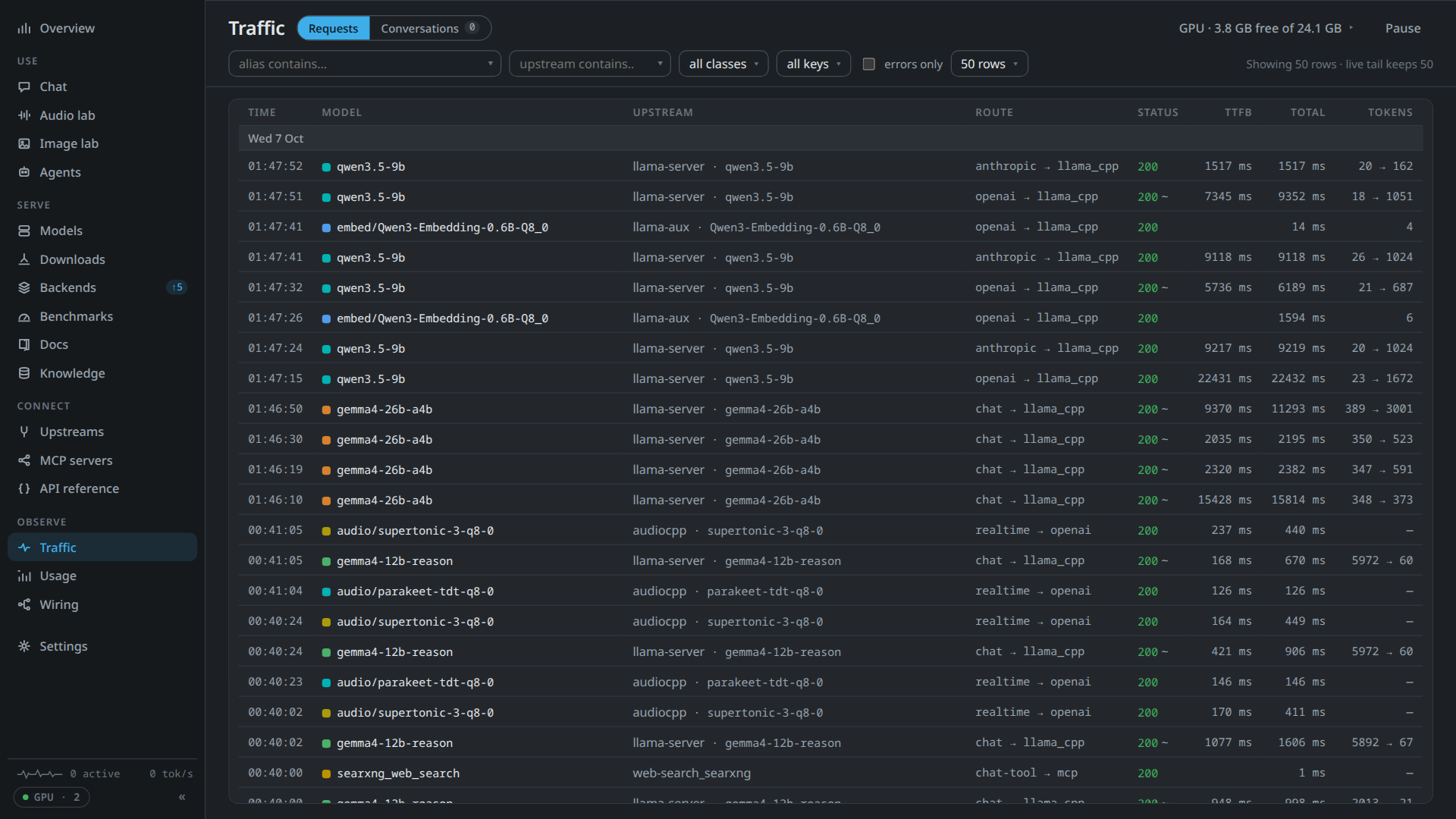
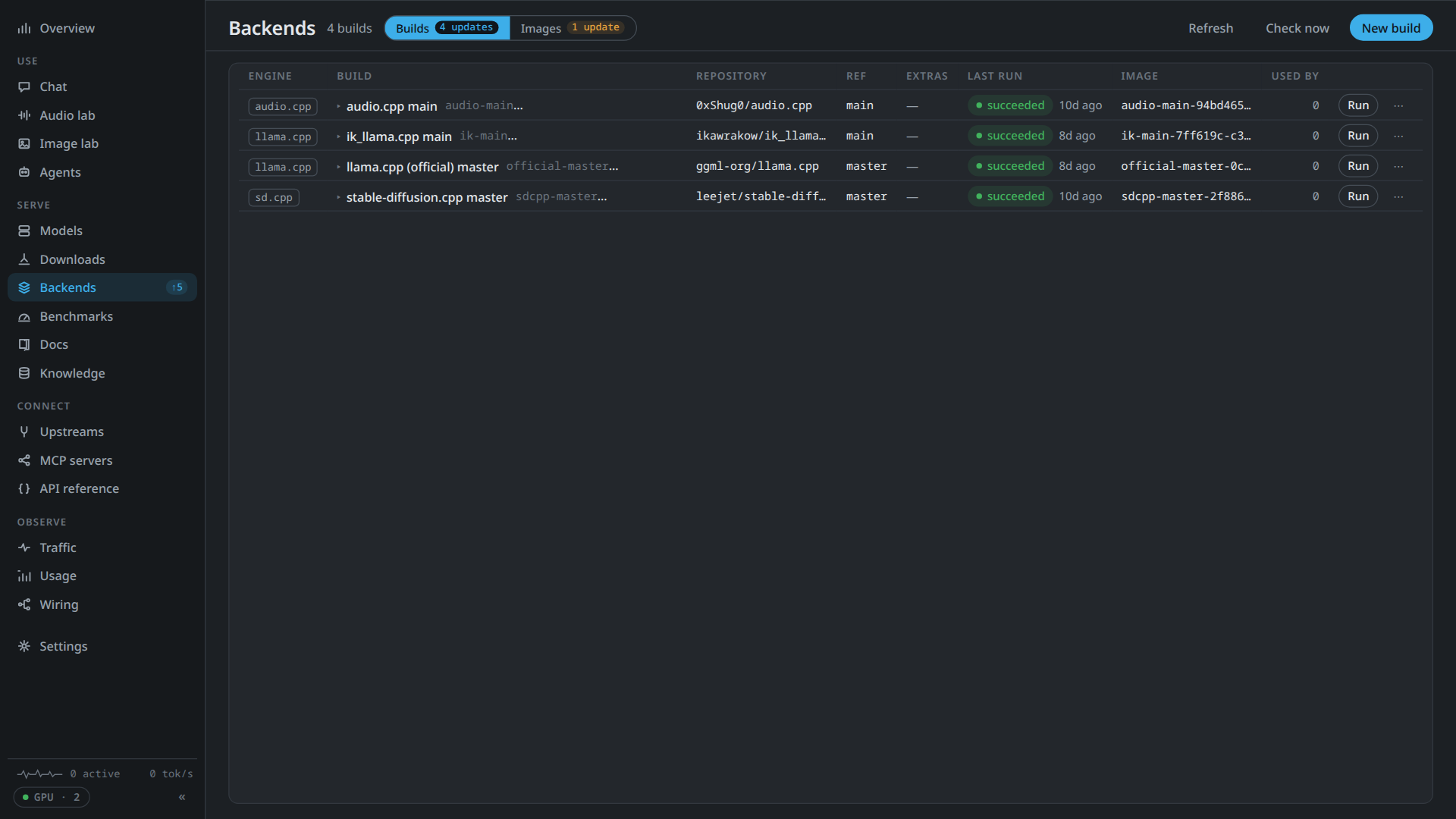
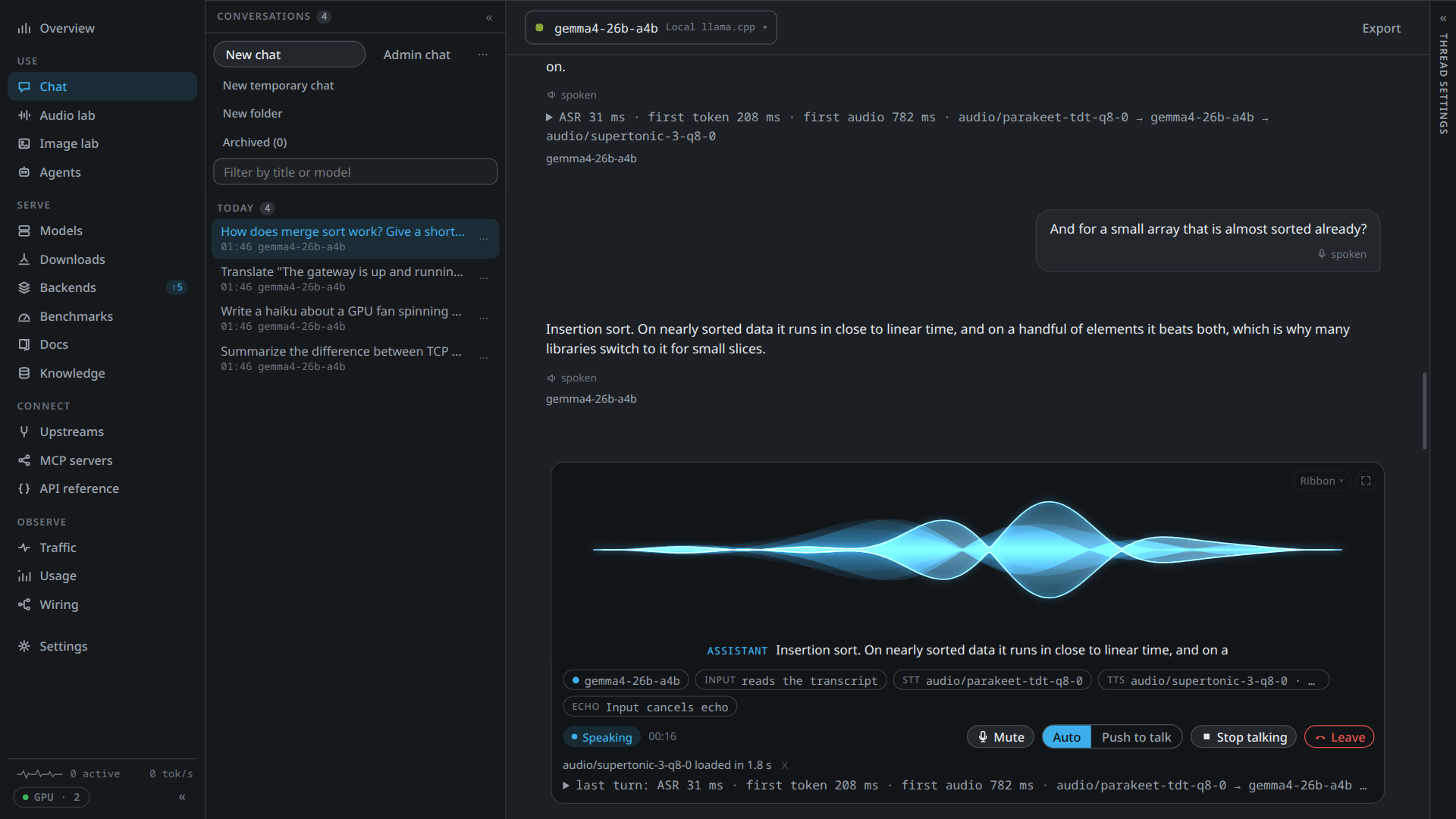
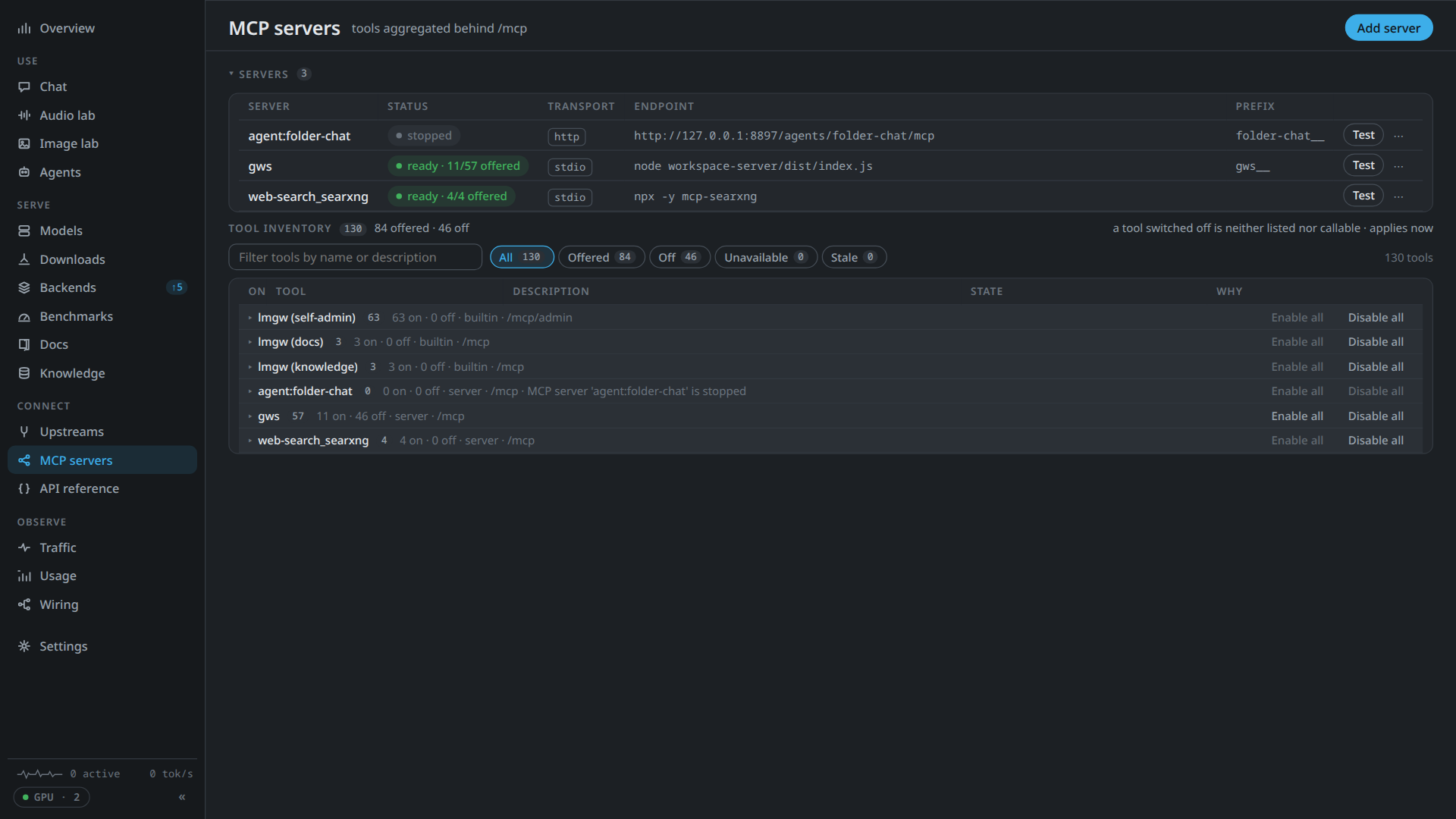
The app window at 1920×1080, a 1080p screen at 125% scaling. Select a screenshot for the full image.
Features
Local models
- One container per model. Chat, embedding and rerank models run on llama.cpp or ik_llama.cpp. audio.cpp covers text to speech, speech recognition and a dozen other audio tasks, and stable-diffusion.cpp generates and edits images.
- VRAM-aware scheduling. Admission works from measured GPU memory (NVML, or amdgpu sysfs). A model that doesn't fit waits, or pushes out an idle one, and idle models hand their memory back. A model's footprint counts llama.cpp's compute buffers and the KV cache's real layout, and a plan that cannot fit the card says so.
- A machine check. At start lmgw checks whether the computer can run local models: the graphics card and its driver, NVIDIA's container toolkit, Podman, free space and the engine downloads. It says what is missing in plain words, on the Settings → GPU page and the Overview. Where it can, it installs the toolkit through a fixed root helper after your confirmation and one password prompt; elsewhere it lists the commands to type.
- Find a model. Type a model's name as you would say it, or paste a Hugging Face link. lmgw searches the hub live and answers one card: the original, the upload and the file that fits your card, judged before anything downloads. Get it downloads the file with its companions, fits its context to the card and creates the model without starting it.
- From Hugging Face to a running model. Download a GGUF together with its projector and draft model, and lmgw proposes llama.cpp settings from the file's metadata. Downloads resume after a restart and are checked by length and hash.
- Engine builds and benchmarks. Build engine images from any git ref, with pull requests merged in. Benchmarks measure prefill, decode, VRAM and tokens per joule.
API and routing
- OpenAI and Anthropic APIs on one port.
/v1/chat/completions,/v1/responses,/v1/embeddings,/v1/rerank,/v1/messagesand more. A client in either dialect reaches any chat model. - The OpenAI platform, natively. An upstream of type
openaiis api.openai.com itself:/v1/responsesgoes there as sent, with hosted tools, encrypted reasoning carried across turns, service tiers priced as reported and budgets that never undercount. Other OpenAI-shaped providers areopenai_compatible. - Anthropic, natively. Between a Messages client and an Anthropic upstream, lmgw carries thinking
blocks with their signatures, blocks it doesn't model, citations, compaction and context
management, and Files API sources whole. Other routes get the nearest equivalent, and
x-lmgw-params-ignorednames what was left out. - Structured output everywhere.
response_format,text.formatandoutput_config.formatare one field that each egress writes in its upstream's form. A model that can't produce it is refused early with a clear error. - Local or cloud behind one alias. Streaming, tool calls and reasoning are translated in both directions, so switching an alias changes nothing for the client.
- Fallbacks. Every model and alias has one fallback, used for every reason it can't answer: the
GPU hold, a benchmark, memory taken by another program, a card that isn't set up, an exhausted
quota or an unreachable upstream. A fallback can hand on to its own. The
x-lmgw-fallbackresponse header names the alias that answered. - Model capabilities in
/v1/models. Context length, output limit, modalities and reasoning controls, per model. - Voice conversations.
/v1/realtimespeaks OpenAI's Realtime protocol over a WebSocket, and/v1/realtime/callsover WebRTC (Opus over UDP, with no STUN or TURN, so the client must reach lmgw directly on the LAN or through a VPN). Either answers with a cascade of your own models: turn detection inside lmgw, speech to text, a chat model with tools, and text to speech. - MCP gateway. Stdio servers (isolated in Podman by default) and HTTP servers sit behind one
/mcpendpoint, each under its own tool prefix, with their resources and MCP Apps views passed through. - Approvals for MCP tools. A thread or folder can make tools wait for an approval. The turn stops at the call, and you approve or decline it on the call's card in the Chat, or from a paired device.
- Late tool results. A tool that its MCP server runs as a task (MCP Tasks) no longer holds the turn: its result enters the thread when it arrives, and a voice session speaks it.
Docs and knowledge
- Library docs for small models. lmgw ingests the documentation of the libraries you use, one corpus per library version, and serves it to any agent as MCP tools. Search fuses BM25 with embeddings and can rerank, and every chunk is the original text word for word.
- Knowledge bases for your own files. PDFs, office documents and spreadsheets go into named collections. In the Chat, answers cite numbered excerpts that open the passage in its file.
Operations and the desktop
- Decision models and labs.
/v1/systemonerelays typed questions to a local llama.cpp decision model, or to an OpenAI-compatible upstream, and gets calibrated probabilities back. The Decision lab compares and perturbs inputs and runs a question set over a CSV or JSONL file, and the Image and Audio labs save the files their runs made, and the Voices lab collects candidate voice samples for the voice library. The labs keep their history in lmgw's database. - Usage and cost. Every request is logged with its tokens, latency and price, with charts by alias and key.
- API keys with policy. A key can carry alias and tool scopes, a budget, rate limits and a concurrency cap.
- GPU hold. A tray switch pauses local models while you need the card for something else. Speech models switched to the CPU keep serving.
- Chat, with voice. Chat with any alias, with attachments, knowledge bases and MCP tools. Built-in image and audio tools let a model generate, edit and upscale pictures and speak or transcribe audio, with a card for re-rolling, varying and editing a result. Dictate, have replies read aloud, or talk in voice mode, all on your own speech models.
- Personality profiles. A profile bundles a system prompt, reasoning settings and a voice. Give one to a thread or a folder, and try a draft out loud before you save it.
- Paired client apps over the device link. A desktop or phone app pairs through a link or QR code and enrols a key it made itself with lmgw's own certificate authority. You confirm a short code on the Devices card, and from then on the app connects to a separate TLS listener with its certificate (mutual TLS, no bearer key). The listener is off until the first pairing turns it on. The app shares the Chat with the dashboard, follows a feed that also works as a push channel for a phone, and can host MCP tools of its own that the Chat, agents and other clients use. A paired device can also offer a file to another device of the same app, relayed through lmgw. Kai, Kai mobile and Kai for Firefox (through Kai) are the apps built this way.
- A native window, a browser too. The dashboard is written in Rust (Leptos, compiled to WebAssembly). On KDE Plasma the window takes the desktop's frame, fonts and colours. Bind lmgw to your network and the same dashboard works in a browser.
Requirements
- Linux, x86_64. Developed and used daily on Fedora, and packaged as an RPM or an AppImage. There is no macOS or Windows build.
- Podman runs local models and stdio MCP servers. Cloud-only use needs no GPU.
- An NVIDIA GPU is the tested path, with the driver and the NVIDIA Container Toolkit, which the machine check can install. AMD works on a Ryzen APU with Vulkan images, as docs/amd-arch.md describes.
Install
Download the RPM from the latest release and install it:
sudo dnf install ./lmgw-*.x86_64.rpmFrom then on the app checks for new releases and offers to install them. Most releases also carry an AppImage, built on current Fedora, so it needs a glibc at least that recent. The README explains how to build from source.
Quick start
- Start lmgw from the application menu. It lands in the tray, and Open Dashboard opens the dashboard, already signed in.
- Add a provider under Upstreams. For local models, set a models directory under Settings → Runtimes, then download one with Models → Add from Hugging Face.
- Give it an alias under Models and call it in either dialect:
# OpenAI style
curl http://127.0.0.1:8787/v1/chat/completions \
  -H 'content-type: application/json' \
  -d '{"model": "my-model", "messages": [{"role": "user", "content": "Hello!"}]}'

# Anthropic style, same alias
curl http://127.0.0.1:8787/v1/messages \
  -H 'content-type: application/json' -H 'anthropic-version: 2023-06-01' \
  -d '{"model": "my-model", "max_tokens": 512, "messages": [{"role": "user", "content": "Hello!"}]}'
The gateway listens on 127.0.0.1:8787, loopback only, and accepts /v1 requests without a key
until you turn on Require gateway API keys on /v1. Turn it on before you bind lmgw to anything
but loopback. Build on lmgw covers clients in more depth.
Learn more
- The README has the full feature list, voice setup and development notes.
- docs/agents.md explains agents: chat presets, batch pipelines and container agents.
- docs/backends.md covers building and pinning engine images.
- docs/design/ holds a design record for each major feature.
- The API compatibility page shows how the OpenAI and Anthropic routes fare against the official SDKs, model by model, from a live check.
- The releases page lists what changed in each version.